

Decks Builder
Deck Plans & Framing
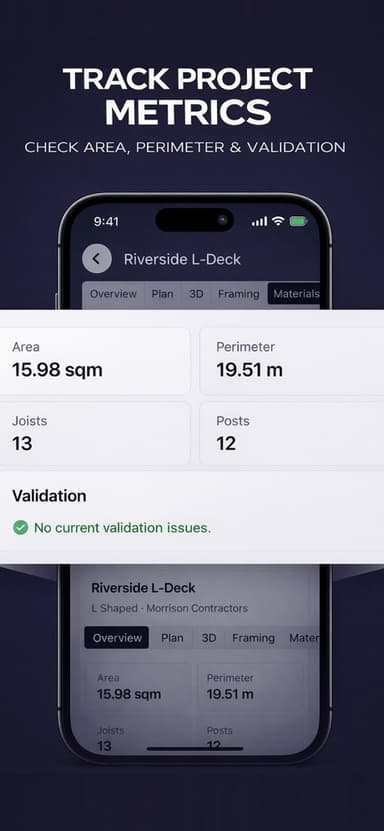
Design straight, L, U, freestanding, and custom decks with framing-first plans, 3D review, and material takeoffs.
Screenshots
Features
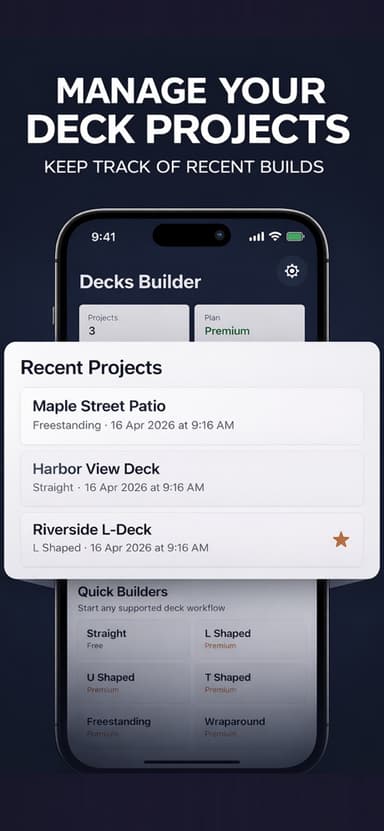
5 Deck Types
Straight, L-shaped, U-shaped, freestanding, and wraparound configurations.
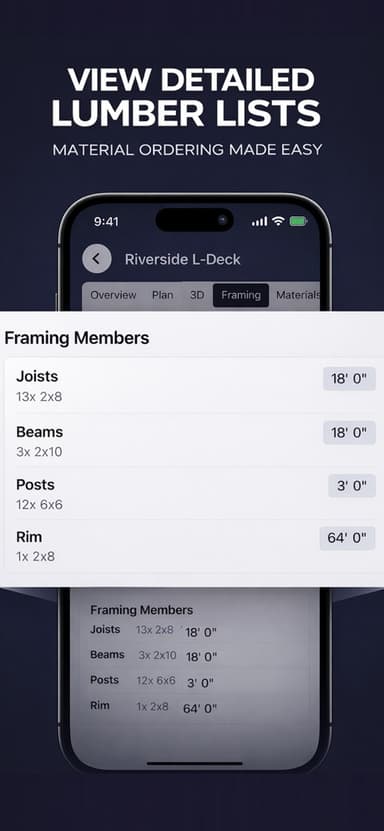
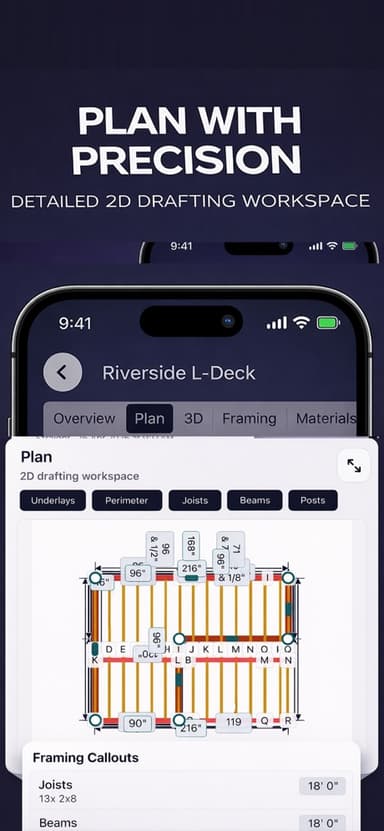
Framing-First Plans
Joist, beam, post, and perimeter layout before decking boards.
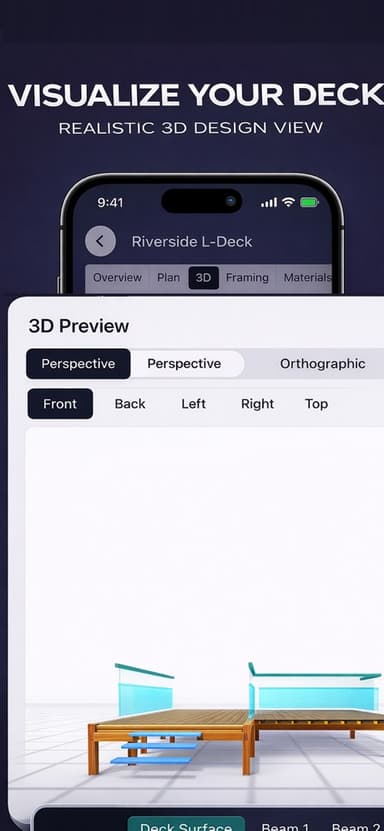
3D Visualization
Orbit and inspect your full deck structure from any angle.
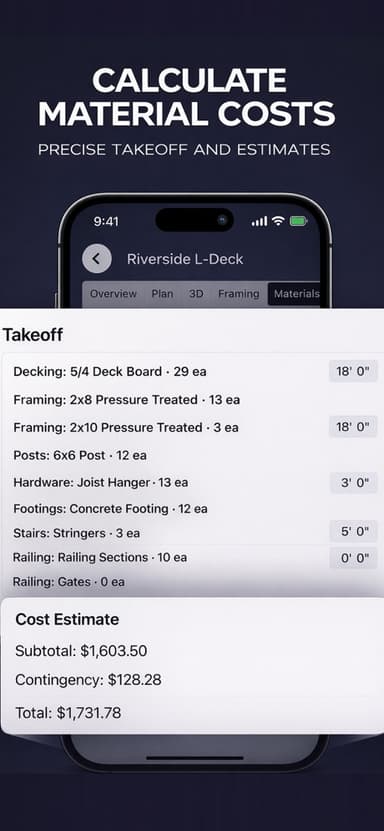
Material Takeoffs
Itemized material lists and cost estimates generated from your design.
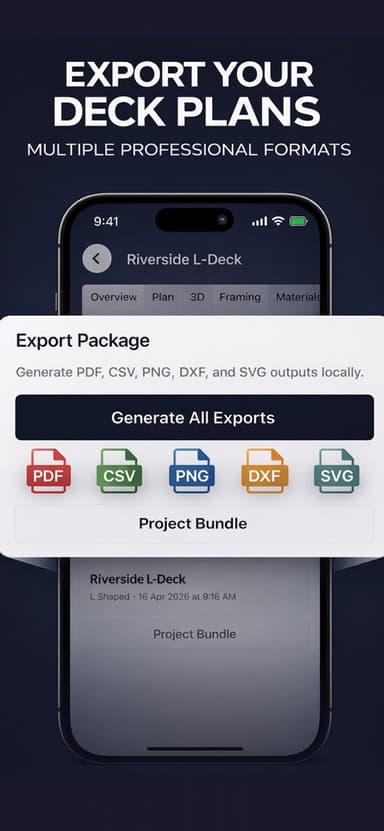
Multi-Format Export
Export as PDF, CSV, PNG, DXF, or SVG for any workflow.
Imperial & Metric
Full support for both measurement systems throughout the app.
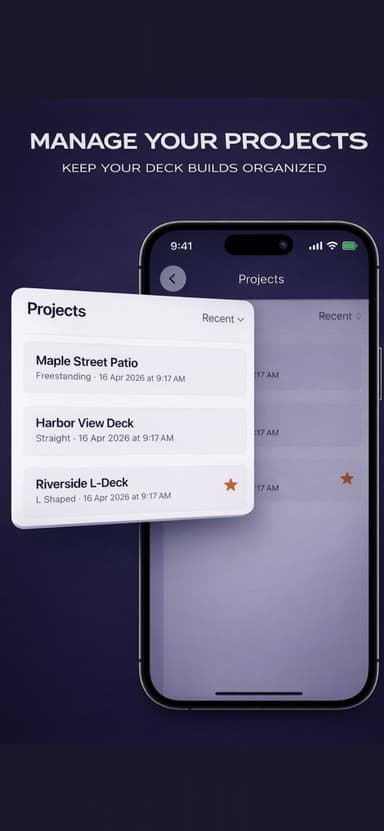
Project History
Version control and project management built in from day one.
Offline First
No account required. All data stays local on your device.
About
Decks Builder was born from a real gap in the market: contractors and serious DIYers needed a tool that started with framing — not aesthetics. Most deck design apps show you the finished product first. Decks Builder shows you how it stands up.
The framing-first workflow means you see joists, beams, posts, and perimeter before you ever think about decking boards. Every structural element is calculated and visualized in both 2D and 3D. Rotate, orbit, and inspect before a single board is cut.
Material takeoffs and cost estimates are generated automatically from your design — itemized by category, exportable as PDF, CSV, DXF, or SVG. Whether you're bidding a job or planning a weekend build, Decks Builder gives you the numbers you need without the spreadsheet.
We built Decks Builder for iPhone, iPad, and Mac with full offline support. No account required. Your projects stay on your device, with local export to whatever format your workflow demands.
Pricing
Free
Basic straight deck planning with full framing preview.
Monthly
All deck types, unlimited projects, and full export capabilities.
Yearly
Everything in Monthly, billed annually.
Built With
More from Wrees